


Mouse Pads are underrated.
Most people don’t care (at all, perhaps) about the Mouse Pad they’re on. I’ve never paid attention to one myself. That’s primarily owing to my dependence on a laptop over the past half decade. But there’s a significant market for PCs that continues to exist, and there’s also a market for folks who like a mouse with their portable machines.
Why not invest in a quality mousepad then? Well, because not many have discovered the pleasure of a premium unit.
Kingston wants to change this perception, though. The company’s made its intentions clear on entering the gaming segment. It recently launched the HyperX Cloud Pro Gaming headset, catering exclusively to that market. It has now come up with what it calls the HyperX Skyn Mouse Pad. Let’s take a closer look.
First Impressions
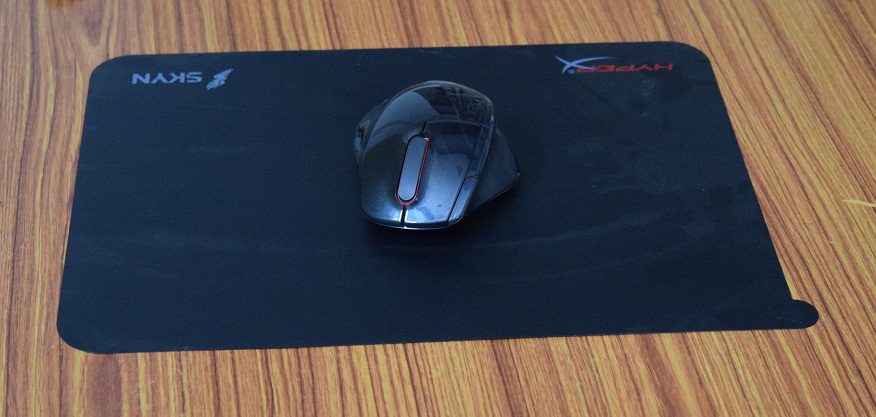
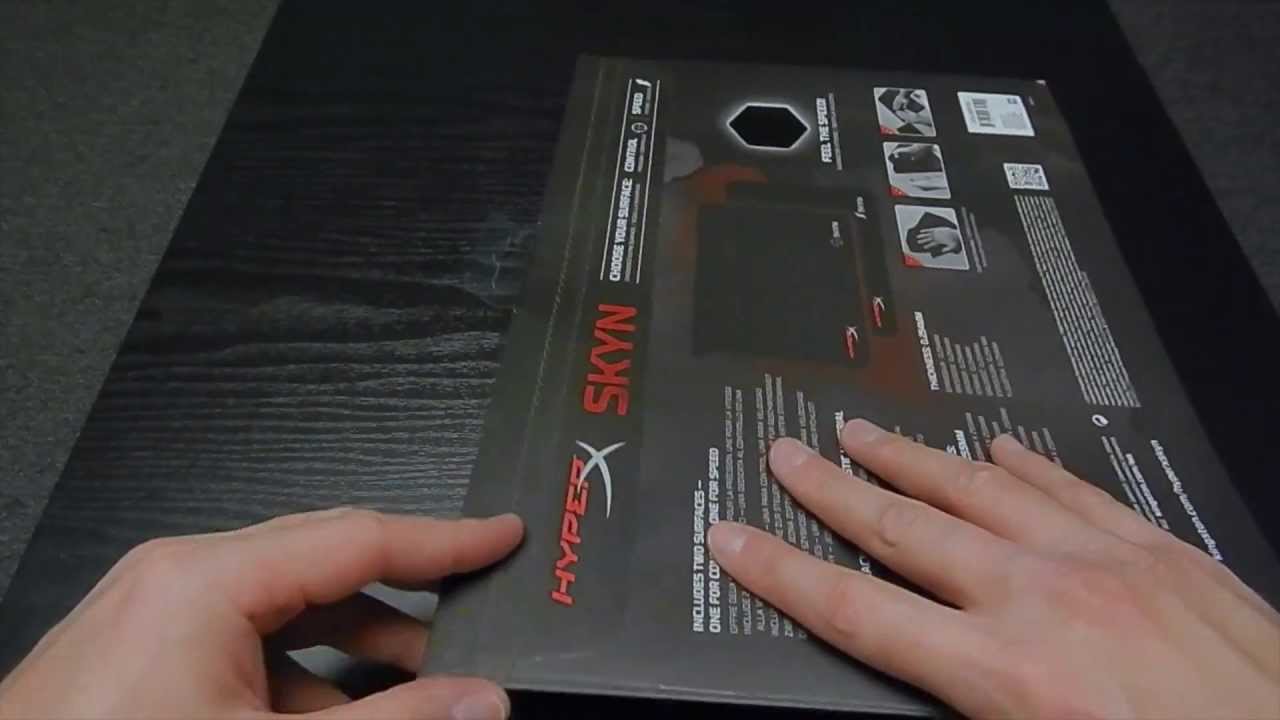
Among my first observations on the HyperX Skyn was its premium feel. The Skyn comes in 2 variants – Speed & Surface. While both variants are sold separately, Kingston has also made available a bundle pack. The packaging is slick, and slim. There’s a cut out on the package to allow you to check out the texture on the material. The dimensions are 355mm x 255mm.
The Surface variant ships with an adhesive material at its bottom, allowing you to place it smoothly on the desk you put it on. Take it on and off too much though, and you’ll have dust accumulation.
Usage
Why do you need a premium mouse pad in the first place? The HyperX Skyn answers the question with its usage. I’m a fan of the smooth, dust-resistant surface. Kingston also claims an ‘anti-microbial’ coating on the surface. While I obviously did not conduct tests, I saw no evidence of any kind of dust or dirt throughout my usage.
The pad fit onto my desk without standing out. I’m not a mouse person, but there was no discomfort whatsoever using the HyperX Skyn. In fact, I’m probably sure I can’t go back to a regular mouse pad if I stick to using a mouse. The smooth surface, and the ability for rapid movement are addictive traits on this thing.
At the same time, the rapid movement can sometimes get a little too rapid for your needs. There were occasions when I overshot my pointer despite guiding my mouse correctly.
Kingston could do with a smaller variant of the HyperX Skyn though. The size may take up more space than what people would be willing to give up on their desks, and there really isn’t anything you can do about that, except for getting a bigger desk.
Verdict
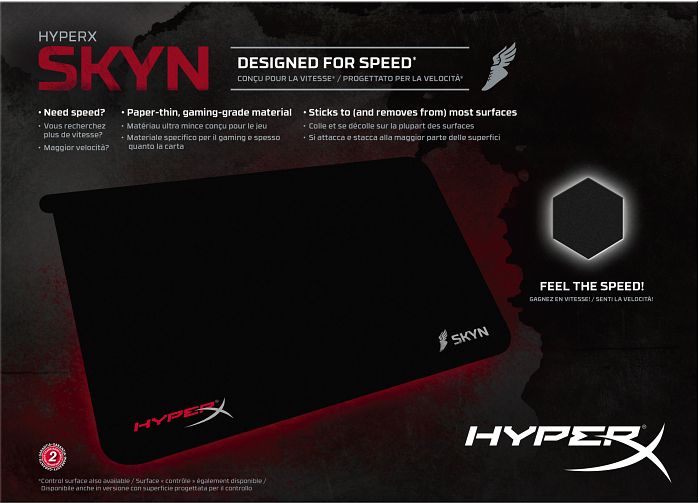
The HyperX Skyn is a much needed product. One that can shift attention to mouse pads – premium mouse pads. While this comparison may be bizarre – I’d equate this to a smartwatch – in the sense that the device ‘creates’ a need for itself after you’ve used it. I don’t need notifications on my wrist when I have a phone, but now that I have my 360, I can’t take it off!
The Skyn is something similar. If I am ever to use a mouse, I’d want to glide it on the premium, smooth surface of the Skyn. Before you do that though, you might want to measure your desk, and maybe build up some patience for the random pointer overshoots that are bound to happen.
