


I deleted so many calendar apps before I landed on the one I didn’t want to get rid of. I know that’s not a very scientific method to review an app, but it taught me more about calendar apps for Android than anything else.
So, if you’re staring at your Play Store search bar, drowning in near-identical 5-star listings, this guide will help you skip that part and tell you which app will tick your checkboxes.
Only six apps made the final cut. Here’s how all of them rank.
Key Takeaways
- Overall best: Google Calendar, because it’s free and already integrated into the Android ecosystem you’re using.
- Best free pick: Etar, if you want zero ads and zero account requirements, or Google Calendar if you want smart features too.
- Best for shared calendars: TimeTree for families, Google Calendar for work teams.
- Best for planning your day: Any.do, if you’re willing to pay for recurring tasks and reminders.
- Best for scheduling with others: Google Calendar paired with Calendly.
How I Tested These Calendar Apps for Android
I installed each app on two of my Android smartphones, both on Android 15. Then synced them against my own Google account, carrying overlapping work and personal events. I kept 4 criteria for scoring.
- The sync speed across devices.
- Whether the home screen widget actually saved a tap versus opening the app.
- How granular the sharing permissions were.
- And where the free plan started asking for money.
Best Calendar Apps for Android in 2026, at a Glance
| App | Best For | Free Tier | Shared Calendars | Standout Feature | Price |
| Google Calendar | Overall default pick | Full-featured, no ads | Yes | Gemini scheduling panel | Free |
| Proton Calendar | Privacy-first users | Yes, capped at 3 calendars | Limited | End-to-end encryption | Free / paid tiers add more |
| Business Calendar 2 | Power users who want control | Yes, with ads | Yes | Drag-and-drop month view | Free / roughly $10 a year |
| TimeTree | Families and couples | Yes, with ads | Built around it | Per-event chat threads | Free/in-app purchases |
| Any.do | Planner plus task manager | Yes, feature-limited | Yes, on Family plan | Time-blocking daily view | Free / from $4.99/mo |
| DigiCal | Widget and weather fans | Yes, fewer themes | Basic | Weather-integrated widgets | Free / DigiCal+ from ~$2/mo |
The 6 Best Calendar Apps for Android
I ranked these on the testing criteria above, not just the download counts. But a couple of these numbers make raw downloads almost meaningless as a differentiator anyway.
Google Calendar
Google Calendar comes with a 4.4 rating with more than 4.7 million Play Store reviews and over 10 billion installs, which tells you most of what you need to know. It’s the default for a reason. Gmail integration barely feels like a separate app, Material You widgets actually match your wallpaper, and Google added a Gemini panel that reads your day and helps you slot in tasks without opening a separate app.
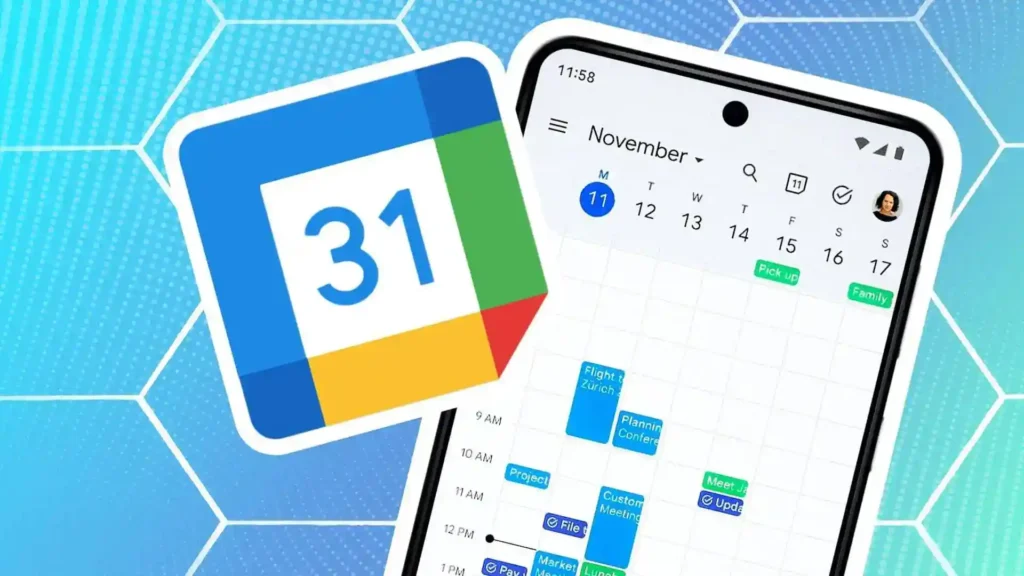
But the task management is where it falls short. There’s no real subtask structure or recurring-task nuance, so if you live by a to-do list, you’ll end up using a dedicated app anyway.
Proton Calendar
If privacy is the whole point, Proton Calendar is built for it. The app comes with end-to-end encryption layered into every event. And it suits anyone already inside the Proton ecosystem or anyone who doesn’t trust a calendar app scanning event titles for ad targeting. The catch is the free tier caps you at three personal calendars, rising to 25 only on paid plans.
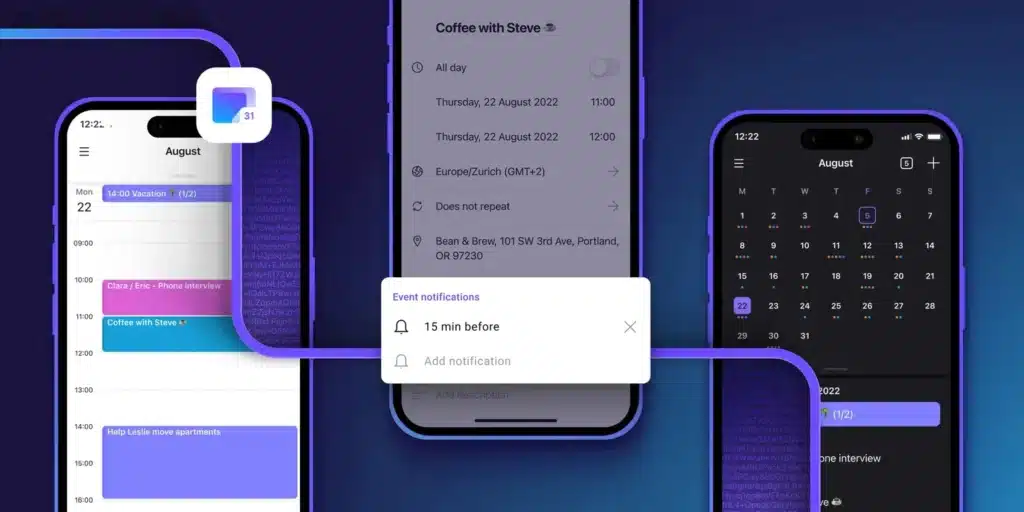
The tradeoff is fewer smart features: no natural-language quick-add, fewer third-party integrations, and a noticeably smaller ecosystem than Google’s.
Business Calendar 2
This one’s for power users who want an Android calendar that behaves more like a desktop app: continuous month scrolling, drag-and-drop event creation, and deep customization. Comes with 4.6 stars and more than 270k reviews. Initially, it used to be a one-time purchase before shifting to a roughly $10-a-year subscription, with the free version stacking two unskippable ads per new event.
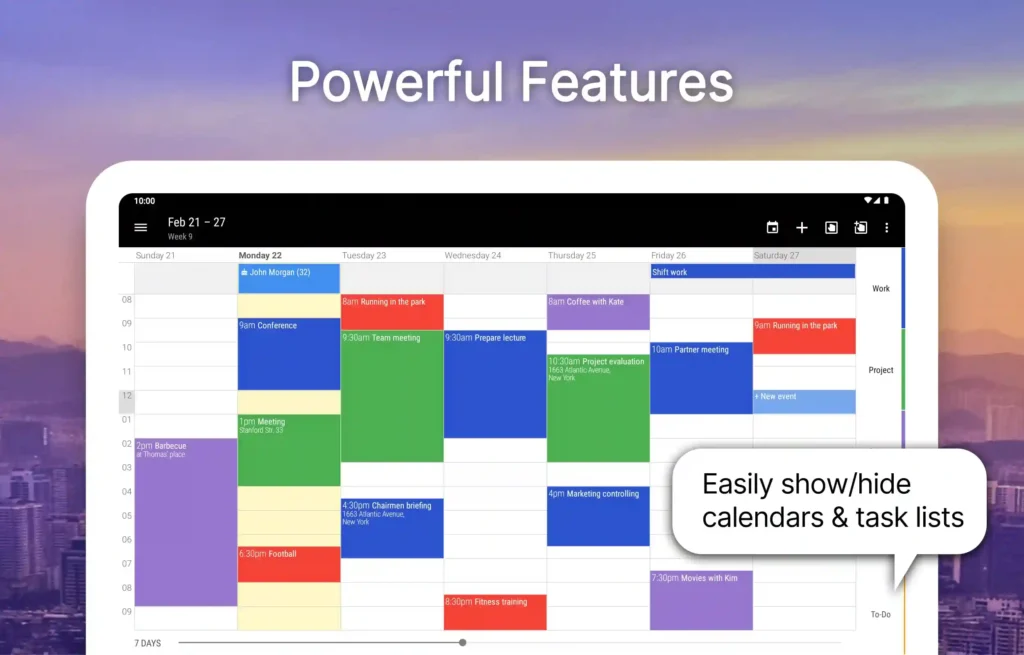
The interface hasn’t caught up, though. Next to Google Calendar’s Material You polish, Business Calendar 2 feels very dated.
TimeTree
TimeTree is built specifically for shared calendars between families and couples, and it shows. Every event can carry its own chat thread, so instead of texting “wait, what time is the appointment again,” you reply directly inside the event. TimeTree says it’s used by 75 million people worldwide, and it holds a 4.7-star rating to back that up.
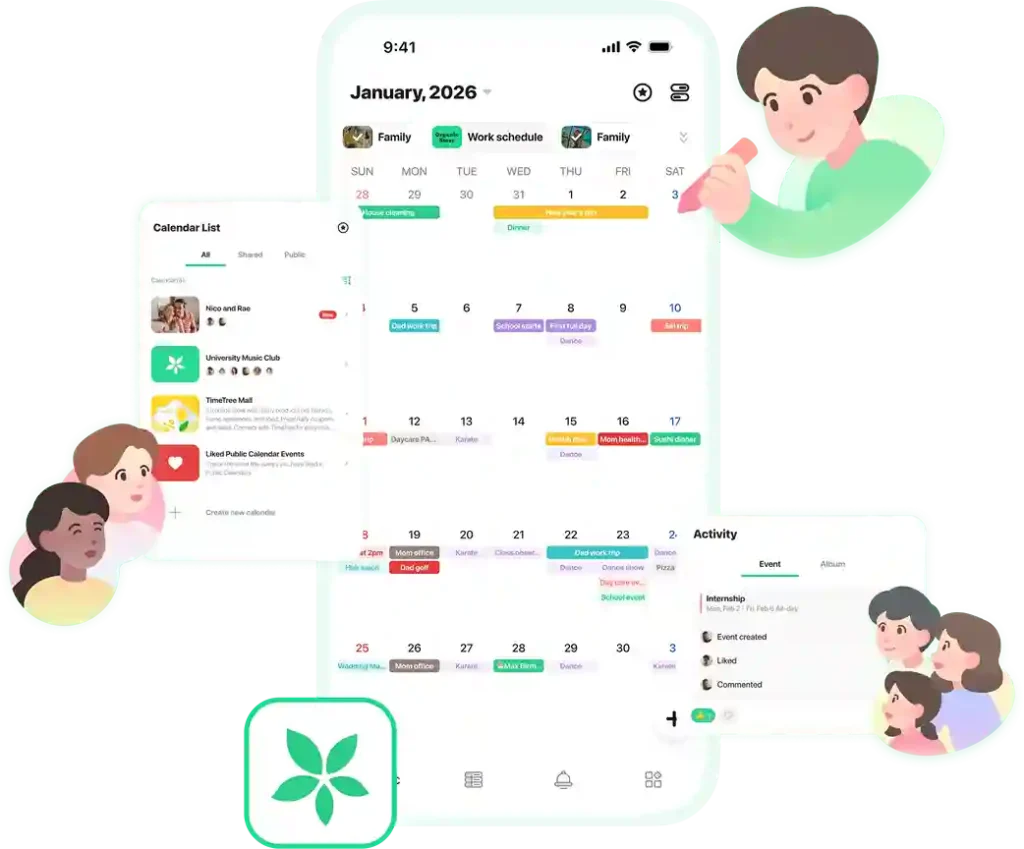
The free version runs ads, though, and they show up mid-scroll often enough to notice.
Any.do
Any.do blends a calendar with task management and an actual daily planner view, including time-blocking that turns your to-do list into scheduled blocks on the calendar itself. It’s the closest thing on this list to a true calendar planner app.
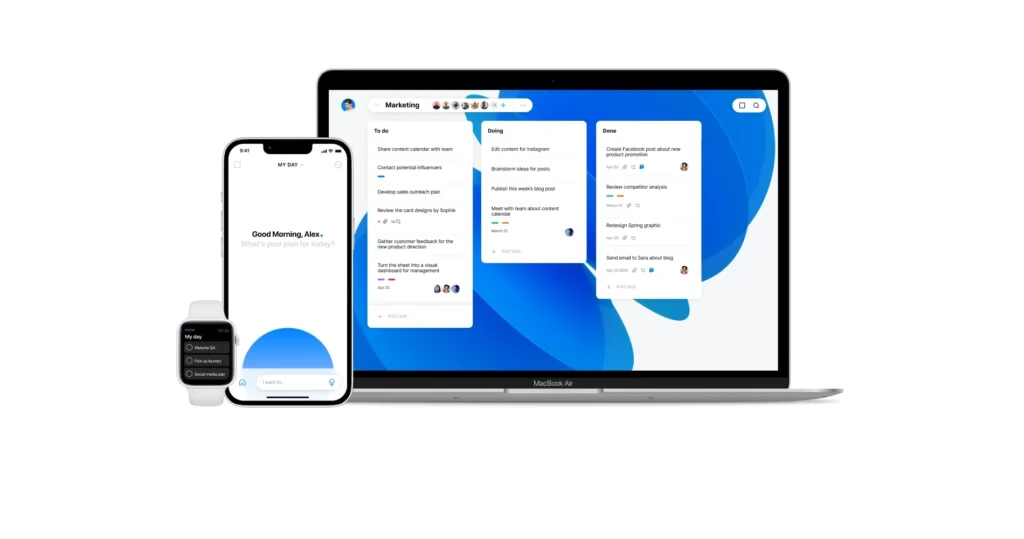
But the catch is its recurring tasks, location-based reminders, and color tags that come with the $4.99-a-month Premium plan, which is exactly the feature set planner-app users usually want most from day one.
DigiCal
DigiCal earns its spot on widgets alone. It comes with 6 widget styles across 9 themes at 4.3 stars over 100,000 reviews. And it’s the only app here that shows you the live weather data directly, so you see rain forecasts next to your 9 am meeting.
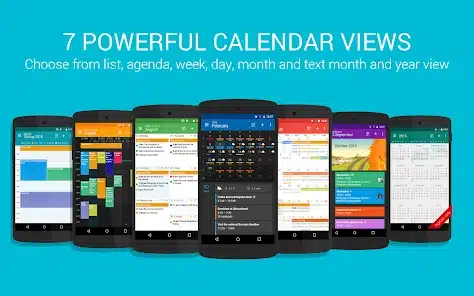
What’s missing is the good stuff: the best themes and two extra widget styles are locked behind the DigiCal+ subscription.
Best Free Calendar Apps for Android
The free thing means very different things across these 6 apps. Google Calendar’s free tier is fully complete, no ads, no feature paywall. But everyone else trades something:
- Business Calendar 2 and TimeTree keep core features free but run ads.
- Proton Calendar’s free tier is fully functional but calendar-count limited.
- Any.do and DigiCal gate specific but daily features (recurring tasks, extra widgets) behind subscriptions.
But if paying nothing is non-negotiable and you also don’t want ads or to get into Google’s ecosystem, look at Etar, a completely open-source calendar app available through F-Droid. It has no ads, no account requirement, and no premium tier because there’s nothing to sell, though it also skips smart scheduling entirely and relies on your phone’s built-in calendar storage for sync.
Best Shared Calendar Apps for Families and Teams
Shared calendar apps for Android are searched far more than any other term. But for good reasons, to be honest. A solo calendar app for Android is easy, but keeping 4 people’s schedules straight without a group chat meltdown is the actual problem.
Best for families
TimeTree is the best pick here. Color-coded members, a shared event view everyone can edit, and that per-event chat thread solve the who’s picking up the kids problem better than solo apps. It works across both iPhone and Android households.
Best for work teams
Google Calendar wins for work, mostly because everyone already has it, and it’s convenient. Availability visibility, meeting scheduling, and native Google Workspace integration make it the path of least resistance.
But there’s one dealbreaker you must check before getting it for your team. It’s built for scheduling meetings, not for the casual, chat-first coordination TimeTree offers, so don’t expect it to replace Slack for logistics.
Best Calendar Planner and Scheduling Apps for Android
These two terms get used interchangeably, but they mean totally different things. A calendar planner app helps you organize your own time. Like time-blocking, daily agendas, task-to-calendar conversion, etc. But a calendar scheduling app helps other people find time with you, like booking links, shared availability, meeting coordination, etc.
So, for planning your own day, Any.do is the strongest pick (covered above). And for scheduling with others, most people end up pairing Google Calendar with a dedicated booking-link tool. But Calendly still leads that category with roughly 27% of the scheduling-software market, and it syncs directly with Google Calendar on Android so your booking page updates the moment your day fills up.
How to Choose the Right Calendar App for Your Android Phone
Run through this checklist:
- Sync reliability: Does it update instantly across devices, or lag behind by minutes?
- Widget quality: Can you see your day without opening the app at all?
- Sharing permissions: Can you give someone view-only access, or is it all-or-nothing?
- Free-tier honesty: Are core features free, or does the useful stuff sit behind a paywall?
- Cross-platform support: Does it work cleanly if someone in your circle uses an iPhone?
If two apps check your list, then that’s your shortlist. Nobody needs all 6 apps installed.
Final Thoughts
After a month of switching between these 6 apps, Google Calendar is still the one I kept, mostly because it does the boring stuff reliably and its Gemini panel is genuinely useful.
But the best here really does depend on what you’re trying to solve. If your calendar problem is a household, not a to-do list, TimeTree will serve you better. Try the free tier for a week before committing to anything paid.
For more info on tech and AI, visit Yaabot.
FAQs
Google Calendar is the best choice. Ad-free, no-cost, Gmail/Android native integration, and even a new AI-powered Gemini panel for scheduling.
Yes. Google Calendar’s free tier is fully featured with no paywall. For a completely open-source, ad-free option, Etar is available through F-Droid.
TimeTree, built specifically for family and couple scheduling with per-event chat threads, color-coded members, and cross-platform support for mixed iPhone and Android households.
Yes, most do. Google Calendar, TimeTree, and Proton Calendar all sync cleanly across Android and iPhone, so mixed-device households or teams aren’t a problem.
A planner app organizes your own time through time-blocking and daily agendas. A scheduling app helps others find time with you, usually through shared availability or booking links.
No, the free version of Google Calendar has all the features most people will need. The majority of paid plans are focused on providing task management, additional calendars, or scheduling links, rather than calendar capabilities.
