


I found out my old phone had stopped getting security updates because of a banking app, not a warning from the phone itself. I tapped the icon and got a pop-up telling me to update my device. And after all this, the phone still felt completely normal.
That’s the problem with phone security. You don’t get anything on your screen when support ends. This is the two-minute check that tells you, instead, for Android or iPhone, along with what to do once you know your answer.
Key Takeaways
- Support windows vary widely by brand. Like Google promises 7 years for Pixel 8, Samsung promises 7 years for Galaxy S24 and later, and many budget Android phones get around 2 to 4.
- Check your device Settings, About phone, Android version. Check your iPhone in Settings, General, Software Update.
- Apple typically supports an iPhone for 5 to 7 years; iOS 26 currently starts at the iPhone 11.
- Once updates stop, known vulnerabilities stay open permanently and are public record. Your real options are upgrade, harden, or retire the device.
What a Security Update Actually Does for Your Phone
Software updates and security updates are considered the same thing, but they aren’t. A software update changes what you see, like a redesigned camera app or a new widget. A security update closes a specific, numbered vulnerability in the code, usually invisibly.

Google’s June 2026 Android bulletin fixed 124 separate vulnerabilities in a single release, including CVE-2025-48595. Google said that the vulnerability showed signs of limited, targeted exploitation. 18 of those flaws were rated critical, including one that let an attacker escalate privileges remotely with no user interaction at all.
None of them are features. It shipped as a patch, which is technically impossible to see. That’s why phone security depends less on how new a phone feels and more on whether that monthly patch cycle is still reaching it. A three-year-old phone still inside its support window is safer than a one-year-old phone without one.
How to Check If Your Android Phone Is Still Getting Security Updates
Finding your Android security patch level in settings
Go to Settings, then About phone, then Android version. Look for “Security update” with a specific date, something like July 1, 2026. That’s when the patch was deployed.
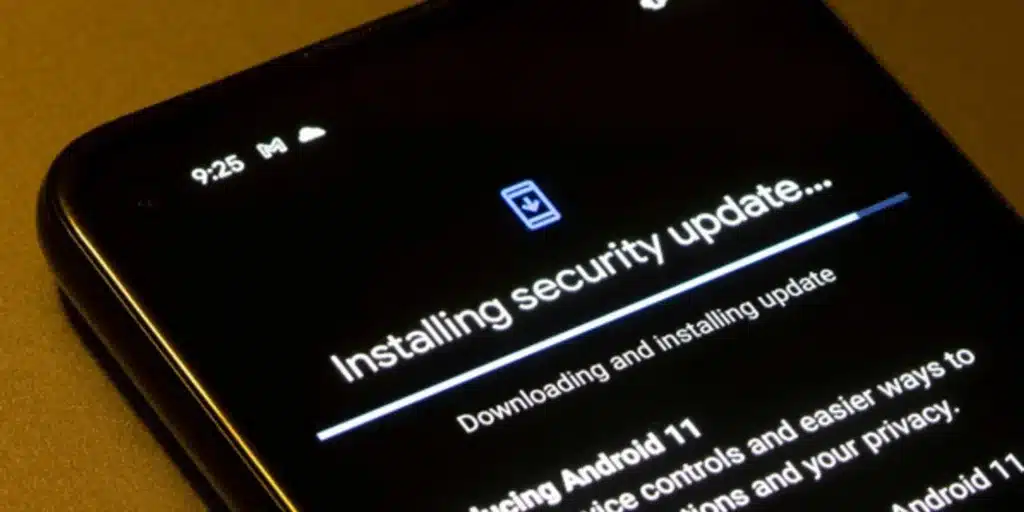
The path varies by brand. On a Pixel, it’s Settings, About phone, Android version. On Samsung’s One UI, it’s usually Settings, About phone, Software information, then Security update. You can have screenshots for other brands if yours looks different.
The red flag is a patch date more than two or three months old that doesn’t move after you check for updates. One stale date could just be a slow rollout.
How long Android security updates last by brand
- Pixel 8, 8a, 8 Pro, and the 9- and 10-series: 7 years of OS and security updates from US Google Store availability.
- Pixel 6, 6a, 6 Pro, 7, 7a, 7 Pro, and Pixel Fold: 5 years, per the same policy.
- Pixel 5a and earlier: No longer receive updates at all.
- Samsung Galaxy S24 and newer: 7 years of OS and security patches, extending S26 support through 2033.
- Budget and mid-range Android generally: 2-4 years, sometimes less.
But here’s a catch. Google only commits to patching a given Android version at the platform level for about 3 years. The 7-year Pixel and Samsung promises are separate manufacturer commitments, which is part of why budget brands without it fall off so much sooner.
How to Check If Your iPhone Is Still Getting Apple Security Updates
Apple doesn’t show a patch date the way Android does. Support status comes down to whether your iPhone can still run the current major iOS version, since that’s where Apple concentrates its security work.
Apple typically supports an iPhone for 5-7 years from release. As of iOS 26, support starts at the iPhone 11 generation; the iPhone XS, XS Max, and XR were dropped this cycle after being supported through iOS 18. As mobile analyst Adam Speight told Which?, update support essentially dictates the lifespan of the device.
Checking Your iOS Version and Update Eligibility
Go to Settings> General> Software Update. “iOS is up to date” doesn’t mean what it sounds like. It only means your phone is current for whatever version it’s still eligible for, not necessarily the newest iOS everyone else is getting.
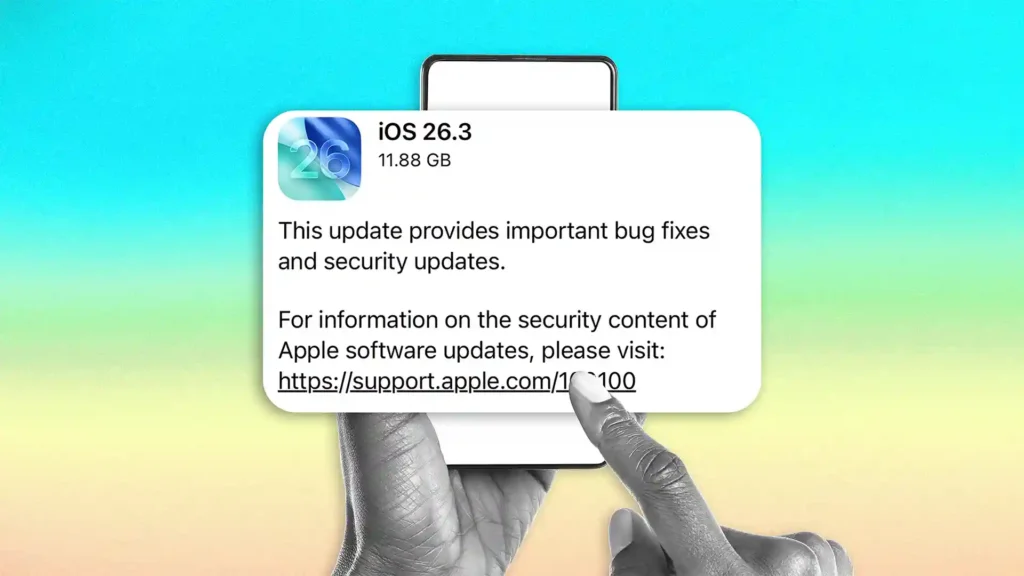
The real check is comparing your model against Apple’s published list of devices compatible with the current release. If your iPhone isn’t on that list, it isn’t getting the newest security architecture.
Android vs Apple Security Updates: How Long Support Really Lasts
Flagship devices receive security updates on both platforms, while budget Android hasn’t moved much.
| Device Category | Typical Support Window | How to Verify | Current 2026 Status |
| Google Pixel 8 and newer | 7 years, OS and security | Settings > About phone > Android version | Supported through at least 2030 to 2032 |
| Google Pixel 6 and 7 series | 5 years | Same path as above | Nearing or past end of support |
| Samsung Galaxy S24 and newer | 7 years, OS and security | Settings > About phone > Software information | S26 supported through 2033 |
| Budget or mid-range Android | 2 to 4 years | Same patch-date check as above | Many 2022 to 2023 models already unsupported |
| iPhone 11 and newer | 5 to 7 years typical | Settings > General > Software Update, cross-check model list | Supported under iOS 26 |
| iPhone XS, XS Max, XR | Ended with iOS 26 | Compare model against Apple’s current device list | No longer receiving major security updates |
The gap isn’t Android vs. Apple. It’s flagship vs. budget. A $200 Android phone and a $1,000 Android phone can sit side by side with a 3-5 year difference in security updates.
What Happens When Your Phone Stops Getting Software Updates
Your phone may keep working normally after updates stop, while security risks build over time:
- Security flaws can stay unpatched. An unsupported phone may miss fixes for vulnerabilities that Google or Apple addresses on supported devices.
- Published fixes reveal what was vulnerable. Security bulletins help explain flaws, giving attackers information they could use against devices that haven’t received the patch.
- Malicious apps can put your data and money at risk. Malware such as Joker and Bread has hidden inside ordinary-looking apps, collected personal information, or enrolled users in paid services without permission.
What to Do If Your Phone Is No Longer Supported
Your next step depends on how you use the phone and whether you can replace it:
- Upgrade if you use it for sensitive tasks. Prioritise a supported device for banking, health information, passwords, and your main accounts. Check its remaining security update support before buying.
- Reduce the risk while you arrange a replacement. Keep apps and your browser updated for as long as updates remain available. Use the official app store and protect the phone with a strong passcode.
- Repurpose it for limited use. An old phone can serve as a dedicated camera or offline music player. Remove sensitive accounts and saved passwords, and keep it disconnected when it doesn’t need internet access.
These precautions can’t patch flaws in the operating system. Move sensitive tasks to a supported device as soon as you can.
Final Thoughts
“Still works” and “still safe” are different questions, and it’s easy to answer one while assuming it covers the other. A phone can take a great photo and pass a phishing text through in the same afternoon; the screen won’t show the difference.
The check in this piece takes about two minutes. A locked bank account or a compromised phone takes considerably longer to sort out. Go check your patch date now, while it’s on your mind.
For more info on tech and AI, visit Yaabot.
FAQs
Not because of sensitive stuff. Once support is discontinued, known vulnerabilities remain until the next version and can be discovered from the same patch notes as the patch that addressed the vulnerability on a new device. Low-risk, offline use is ok.
Monthly, for supported Android and iPhone devices. Your device is probably no longer supported if your patch date is older than 2 or 3 months ago and hasn’t been updated.
Only while they’re on Apple’s currently supported list, roughly 5 to 7 years from release. As of iOS 26, that list starts at the iPhone 11 generation.
Not officially. Custom ROMs like LineageOS can extend patch support on some models, but they require real technical setup and void your warranty. A workaround, not a fix.
Look for battery drain, applications that haven’t been installed, data spikes, and overheating during idle periods. As long as they don’t individually prove a break-in, it’s a serious concern on an unsupported phone.
