


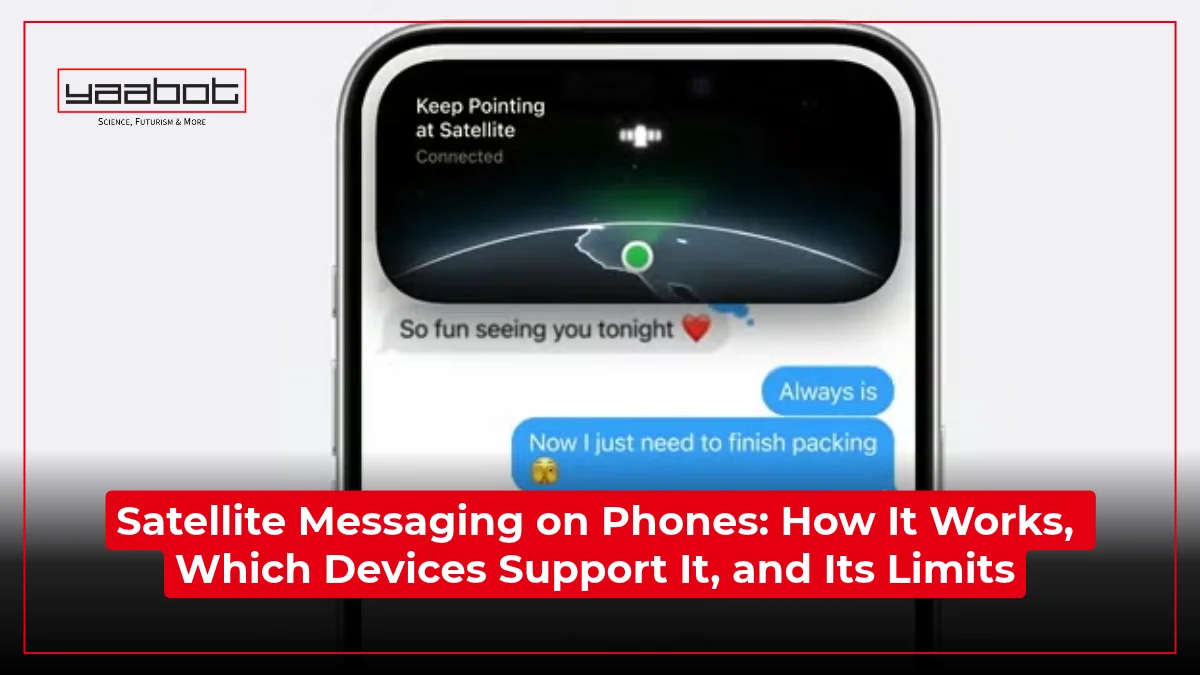
I found out how useless a smartphone can be the day I lost signal halfway up a trek. The weather was rolling in, and I had no way to reach out to anyone and tell them I was fine. That’s what satellite messaging on a phone is for.
In this piece, we’ll learn about how it actually works, which phones support it right now, what it costs, and where it still falls short.
Key Takeaways
- Satellite messaging lets you send texts through supported phones when you don’t have any cell or Wi-Fi coverage, through Globalstar, Skylo, or Starlink partnerships.
- iPhone 14+, Pixel 9+, and Galaxy S25+ (on select carriers) support it, but coverage and features vary by region and plan.
- Expect 30 seconds to a few minutes per message, and only with a clear view of the sky.
- It’s mostly free right now, but Apple hasn’t confirmed pricing once its extended trial ends.
- It’s a backup for emergencies and short check-ins.
What Is Satellite Messaging on a Phone?
Satellite messaging is a phone’s ability to send and receive text messages by connecting directly to a satellite instead of a cell tower, used when cellular and Wi-Fi are both out of reach. No separate device is required to use satellite messaging.
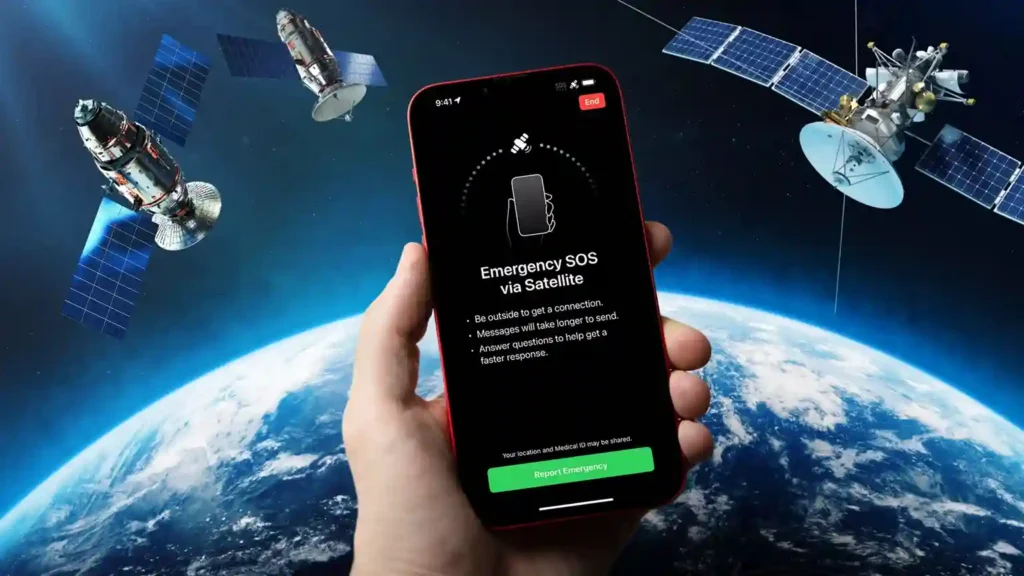
Here are a few things:
- It’s a form of satellite connectivity that links your device to a satellite instead of a ground tower.
- On a phone, it almost always means short text messages.
- It activates automatically once your phone detects it has no cellular or Wi-Fi signal.
- It needs a clear, unobstructed view of the sky to work.
It’s a narrow, slow-but-working backup channel for when the regular network disappears.
How Does Satellite Messaging Work?
Here’s how it works.
- When your phone loses cellular and Wi-Fi signal, it enables its built-in satellite hardware.
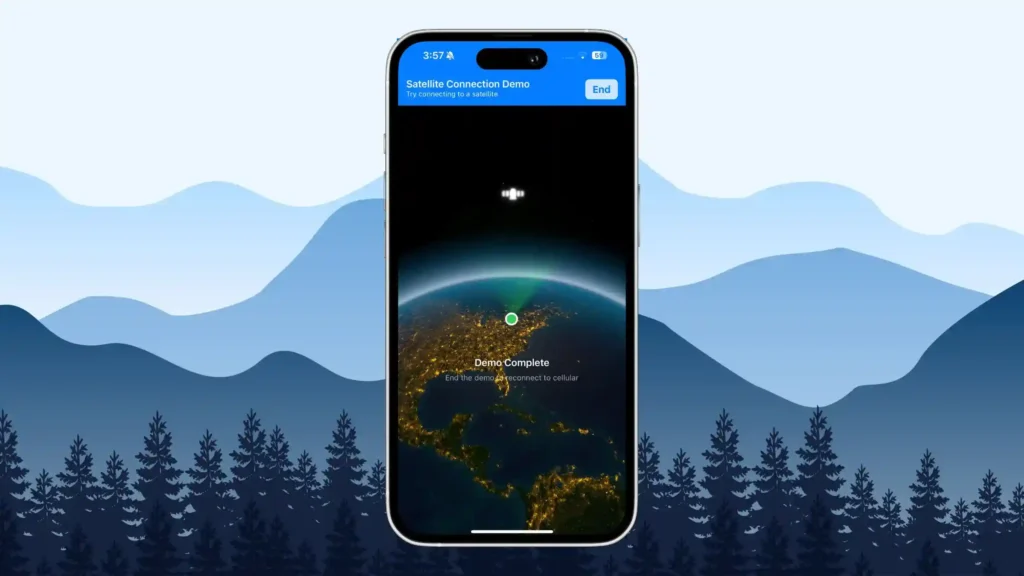
- It points you, literally, toward the nearest satellite using an on-screen compass or dot indicator.
- Once paired, your phone compresses your message into a tiny data packet, because satellite bandwidth is a fraction of what a cell tower offers.
- That packet travels up to the satellite, which relays it down to a ground station.
- The ground station hands the message off to the regular phone network, which delivers it to the recipient like any other text.
The reply follows the same path, but in reverse.
It’s not the software that makes it slower; it’s the physics behind it. The satellites iPhones talk to orbit roughly 1,414 km (876 miles) above Earth, part of the Globalstar low-Earth-orbit constellation, and they move fast enough that your phone has to track and realign with them mid-conversation. Now to understand the delay, compare a moving satellite to a cell tower a few hundred meters away.
Dedicated satellite phones like Thuraya’s often take a different approach. Geostationary satellites parked around 36,000 km up stay fixed relative to the ground but add their own delay simply because the signal has so much farther to travel.
Either way, you’re not getting instant delivery. Apple itself says a message can take 30 seconds or more to send even under ideal conditions.
Why you need a clear view of the sky
Satellite signals are weak by the time they reach your phone, so anything between you and the sky competes with the satellite for that signal. Apple is specific about this: a message takes about 30 seconds under a clear, open sky, but can take over a minute under light or medium foliage, and heavy tree cover or canyon walls can block the connection. This is why satellite messaging works best on ridgelines, in open fields, or on water, and struggles in dense forest or deep valleys.
Which Phones Support Satellite Messaging in 2026?
Support depends on which phone you own, which satellite partner your phone’s maker signed with, and which carrier you’re on. Here’s the current landscape.
| Device | Feature | Free or Paid | Coverage |
| iPhone 14 and later (all models) | Emergency SOS + Messages via satellite | Free (trial extended through Sept 2026) | US, Canada, Mexico, Japan |
| Google Pixel 9 and later (not 9a) | Satellite SOS via Skylo | Free for first 2 years | US, Canada, Australia, parts of Europe |
| Galaxy S25 series and later, on Verizon | eSOS + satellite texting via Skylo | Free | US only |
| iPhone, Galaxy, and Pixel on T-Mobile | T-Satellite (Starlink direct-to-cell) | Free on select plans, else $10/month | US |
Verizon and T-Mobile both run their own satellite programs on top of whatever the phone maker already built in, so one phone can carry two or three overlapping satellite features depending on the SIM card being used in it.
Apple iPhone satellite features
Every iPhone 14 or later model supports Emergency SOS via satellite and Messages via satellite, and you don’t need the Pro or Max tier to get it. Apple requires iOS 18 or later (iOS 18.4 for Mexico) and an active SIM.
The free trial, which was introduced for just two years, has been extended at least three times, most recently pushing free access for iPhone 14, 15, and 16 owners through September 2026, while iPhone 17-series buyers get two full years free from activation.
Android: Pixel and Samsung Galaxy
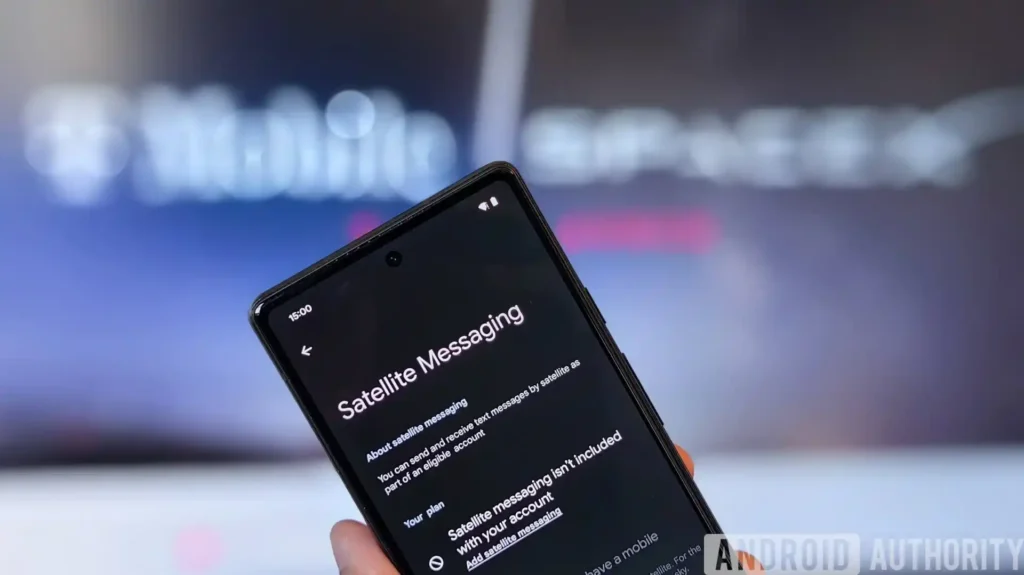
On Android, satellite support depends heavily on which phone and which carrier you’re using. Google’s own Satellite SOS covers Pixel 9 and later, except the budget Pixel 9a, running on Google’s partnership with Skylo and Garmin. It’s free for the first two years.
Samsung doesn’t build its satellite features into Galaxy phones; instead, it leans on carriers. Verizon offers free eSOS and basic texting on the Galaxy S25 series and newer via Skylo, while T-Mobile’s T-Satellite, powered by Starlink, extends to a much wider range of Galaxy models going back to the S21.
Satellite Messaging vs. Dedicated Satellite Phones
Phone-based satellite messaging and a dedicated satellite phone do overlap, but they solve different problems.
A smartphone’s satellite feature is built for occasional, short emergency or check-in texts. But a purpose-built satellite phone or messenger, like a Thuraya handset or a Garmin inReach, is designed for people who need reliable two-way communication as a primary tool.
| Factor | Smartphone Satellite Messaging | Dedicated Satellite Device |
| Upfront cost | Free (built into a phone you already own) | Roughly $300 to $400 (Garmin inReach Mini 2: $399.99) |
| Monthly cost | Free to $10/month, carrier-dependent | $15 to $50/month subscription |
| Voice calls | No, text only | Yes, on true satellite phones like Thuraya |
| Built for | Occasional emergencies, short check-ins | Primary off-grid communication, extended trips |
| Durability | Standard phone build | Ruggedized, water-resistant, longer battery life |
If you’re an occasional hiker who wants a safety net, your phone’s built-in feature probably covers you. But if you’re regularly weeks away from cell coverage, that $400 device becomes a necessity.
What Can You Actually Do With It? Features and Limits
Here’s what you can do with satellite messaging.
What works:
- Sending and receiving short text messages, including iMessage and SMS on iPhone.
- Sharing your location with emergency services or contacts.
- Triggering emergency SOS with two-way communication to a response center.
- Getting basic weather forecasts on some devices and plans.
- Tapbacks and emoji reactions, on supported setups.
What doesn’t:
- Photos, videos, voice messages, or stickers; none of these work over satellite on iPhone.
- Group messages; satellite only supports one-to-one conversations.
- Phone calls, with very few exceptions on true satellite phones.
- Browsing the internet or using apps that need live data.
- Fast back-and-forth conversation; every message has a real delay built in.
It’s also not built for long sustained chat. Apple explicitly designs the feature for occasional use, so don’t expect to live-text someone from a whole backcountry trip. Remember that this is a narrow pipe for short, important messages, not a replacement for your normal signal.
Real-world speed and reliability
In practice, expect 30 seconds per message under a clear sky, climbing to a few minutes under partial tree cover, and no connection at all under heavy canopy or indoors. The reliability factor also swings with your position on Earth. Many satellite constellations have denser coverage at some latitudes than others, and heavy cloud cover or a storm can degrade the signal further. But none of this means the feature is unreliable. It means it behaves like what it is, a low-bandwidth backup channel.
Who Needs Satellite Connectivity, and Who Doesn’t
Satellite messaging is genuinely necessary for a specific set of people, and it’s totally unnecessary for most everyday phone users.
It’s worth having if you:
- Hike, climb, hunt, or camp in areas with patchy or no cell coverage.
- Drive long rural stretches where a breakdown could leave you stranded.
- Travel internationally through regions with unreliable networks.
- Live or work somewhere prone to natural disasters that knock out cell towers.
- Sail, fish, or spend time on open water.
It’s irrelevant if you:
- Live and work entirely within cities or suburbs with strong coverage.
- Rarely leave areas with reliable Wi-Fi or cellular signal.
- Already carry a dedicated satellite communicator for serious off-grid trips.
To be honest, most urban and suburban users don’t need it, except for curiosity.
Is Satellite Messaging Free?
Right now, mostly yes.
Apple has extended its free satellite trial for iPhone 14, 15, and 16 owners at least three times, most recently through September 2026, and newer iPhone 17-series devices get two full years free from activation. And Apple hasn’t said what it will charge once that ends. Google’s Satellite SOS on Pixel is free for the first couple of years. Verizon’s satellite texting on eligible Galaxy phones is free. T-Mobile’s T-Satellite is the exception; it’s free if you’re on its Experience Beyond or Go5G plans, otherwise $10 a month, and it’s open to AT&T and Verizon customers too.
| Service | Cost |
| iPhone Messages/SOS via satellite | Free (trial extended through Sept 2026 for 14/15/16; 2 years free for 17-series) |
| Pixel Satellite SOS | Free for first 2 years |
| Verizon satellite texting (Galaxy S25+) | Free |
| T-Mobile T-Satellite | Free on select plans, otherwise $10/month |
| Garmin inReach Mini 2 | $399.99 device plus $7.99 to $49.99/month plan |
The pattern is obvious once you see it laid out: phone makers are subsidizing satellite access to get you hooked on the feature, and carriers are the ones actually charging for it.
Final Thoughts
After digging through all of this, satellite messaging on phones is one of the rare features that’s actually useful. It won’t replace your signal, and it’s slower than you’d like, but it closes a real gap that used to require a separate $400 device. But I won’t take it as a permanent free feature. Apple has extended the trial three times, but at some point, the bill comes due.
For more information on AI, tech, Science, Futurism, and more, check Yaabot.
FAQs
Yes, it’s all about that. No cell phone or Wi-Fi coverage is required; it’s directly connected to a satellite, as long as you can see it.
No, not on iPhone, Pixel, or Galaxy. Phone-based satellite features are text-only right now. Voice calling over satellite is still mostly limited to dedicated satellite phones like Thuraya handsets.
For now. Apple has offered the free trial several times in the past, most recently until September 2026 for the iPhone 14-16 and two years after activation for the iPhone 17 series. A price has yet to be announced after that.
Google Pixel 9 and later, except the budget 9a, have it built in through Skylo. Samsung Galaxy S25 and newer get it through Verizon or T-Mobile, depending on each carrier’s rollout.
About 30 seconds under a clear sky, according to Apple, and up to several minutes under light foliage or poor conditions. It’s slow by cellular standards, but it works.
No. You need a direct, unobstructed view of the sky. Heavy roofing, walls, or dense tree cover will block the connection entirely.
