


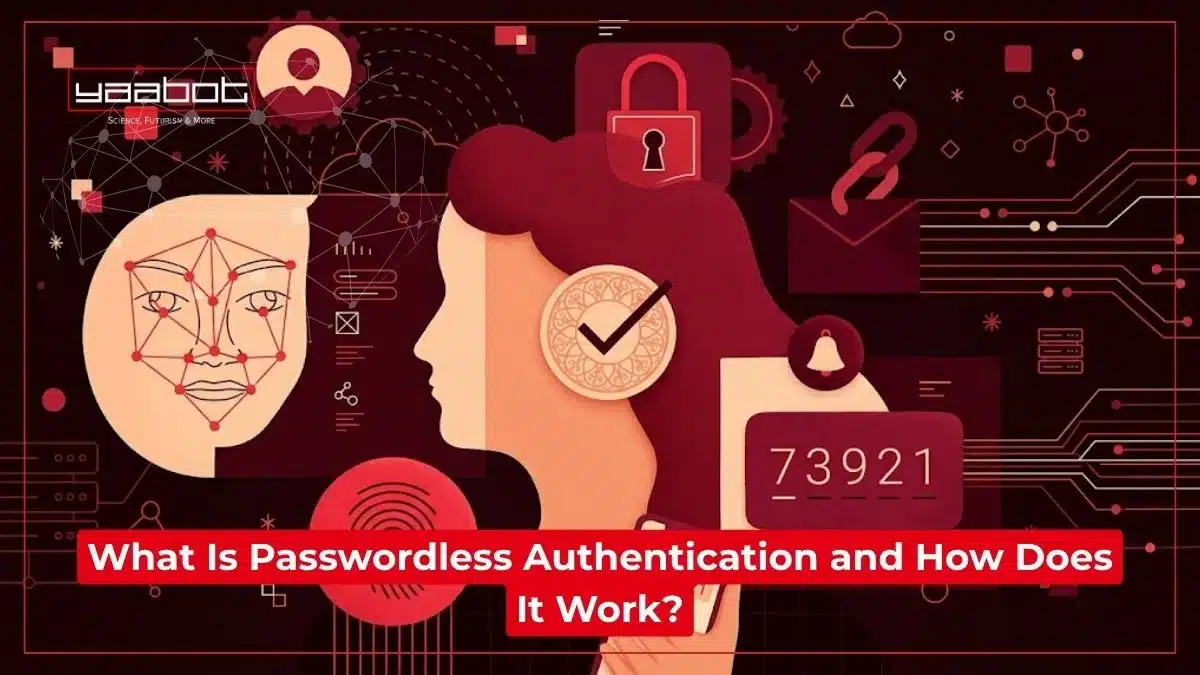
Passwordless authentication lets you sign in without typing a password. You prove who you are with something you have, such as your phone or a security key, or something you are, such as a fingerprint or face scan. On most major sites today, that means a passkey.
Of course, passkeys aren’t exactly a niche feature. Google, Apple and Microsoft support them across their accounts and devices, and the FIDO Alliance estimates that around 5 billion are now in use. Passwords are still the default on most sites, though, and so are the resets, reused logins, and phishing emails that come with them.
In this post, I’ll explain what passwordless authentication is, how it works behind the scenes, whether it’s safer than a password, and how to switch your own accounts over.
Key Takeaways
- Passwordless authentication replaces memorized secrets (passwords) with something you have (a device) or something you are (a fingerprint, face scan) to prove your identity.
- It works mainly through cryptographic key pairs – most commonly via passkeys, which follow the FIDO2/WebAuthn standard.
- As of 2026, the FIDO Alliance estimates around 5 billion passkeys are in active use worldwide, with roughly 90% consumer awareness of the technology.
- Is passwordless authentication safe? Generally, yes – it’s built specifically to resist phishing, credential stuffing, and SIM-swap attacks that plague traditional passwords.
- Most organizations still run passwords alongside passwordless methods rather than fully replacing them, so full adoption is still a work in progress.
- Biometric data used in passwordless logins typically never leaves your device, which is a meaningful privacy distinction worth knowing.
What Is Passwordless Authentication?
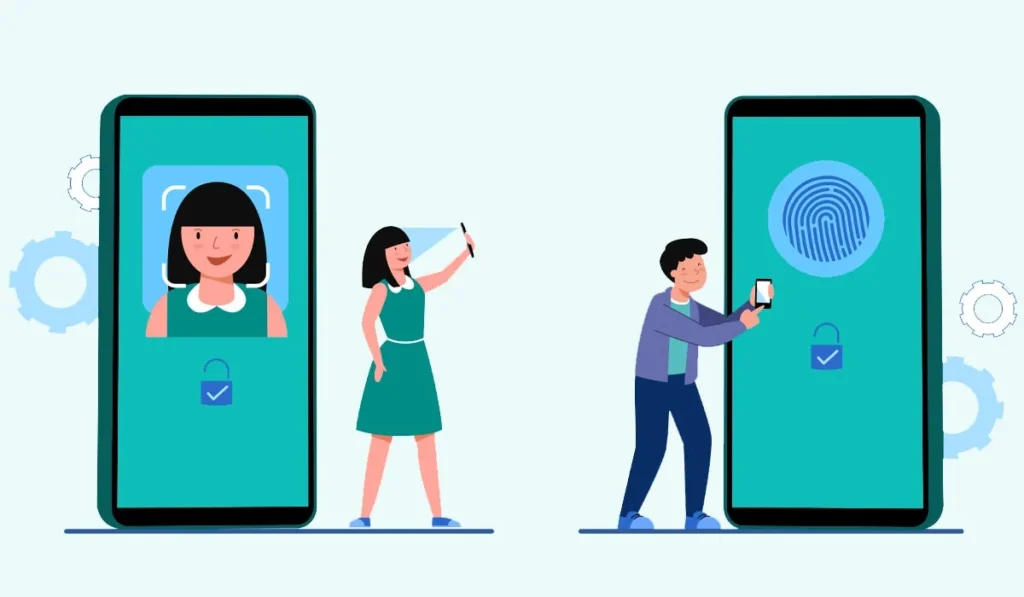
Passwordless authentication is any login method that verifies your identity without asking you to type or remember a secret password. Passwordless systems lean on:
- Something you have: Your phone, a security key, or a trusted browser.
- Something you are: A fingerprint, face scan, or voice pattern.
- Somewhere you are: Less common, but used in some enterprise setups via location or network trust.
I think the easiest way to picture it is this: a password is a secret you carry in your head (and, let’s be honest, probably also in a sticky note or a browser autofill). Passwordless authentication swaps that secret for proof tied to you or your device. And that makes things a lot harder for someone on the other side to steal, guess, or phish creds out of you.
What are The Different Types of Passwordless Authentication?
When people talk about passwordless authentication, they’re usually referring to one of these:
- Passkeys (FIDO2/WebAuthn): Cryptographic credentials generated on your device, considered the gold standard right now because they resist phishing by design.
- Biometrics: Fingerprint or facial recognition, usually used to unlock a passkey or device.
- Magic links: A one-time login link emailed to you; convenient, but only as secure as your email account.
- One-time passcodes (OTP): A code sent by SMS, email, or generated in an authenticator app. Useful, but SMS OTP in particular is now considered a weaker option because of SIM-swap risk.
- Hardware security keys: Physical devices like a YubiKey that you plug in or tap to confirm it’s really you.
- Push notifications: An app-based prompt (“Was this you?”) you approve on a trusted device.
Not all of these are equally strong, and that distinction is also worth remembering – I’ll come back to it in the safety section below.
How Does Passwordless Authentication Work?
Here’s the general flow:
- You register a credential: When you set up a passkey on a website or app, your device generates two mathematically linked keys – a public key and a private key.
- The private key stays put: It never leaves your device or, in some cases, your device’s secure hardware chip. It’s not stored on the company’s servers, so there’s nothing centralized for hackers to steal in bulk.
- The public key goes to the service: The website or app stores only the public key, which is useless to an attacker without its private counterpart.
- You log in with a local check: Next time you sign in, your device asks you to confirm it’s really you – usually with your fingerprint, face, or device PIN.
- A cryptographic handshake happens: Your device uses the private key to sign a challenge sent by the website, proving you hold the matching private key – without ever transmitting it.
- Access granted: The server verifies the signature against the public key it has on file, and you’re in.
The clever part is that your biometric data (your actual fingerprint or face scan) typically never leaves your device and is never sent to the website you’re logging into. It’s used locally to unlock the private key, not shared as a piece of data that could be intercepted.
This is also why phishing gets a lot harder with passwordless setups. The passkeys are cryptographically bound to the specific website domain they were created for, so a fake lookalike login page simply can’t trick your device into handing over a working credential.
Is Passwordless Authentication Safe?
Yes, more so than passwords in almost every practical scenario, but it’s not a magic shield either. Where it clearly wins:
- No shared secret to steal: There’s no password sitting in a database that a breach can leak.
- Resistant to phishing: Since passkeys are tied to the actual website domain, fake login pages can’t harvest them the way they harvest typed passwords.
- No credential stuffing: Attackers can’t reuse leaked passwords from one breach to break into your other accounts.
- Local biometric processing: Your fingerprint or face data generally stays on your device.
Where it fails:
- Device security still matters: If your phone itself is compromised or stolen and unlocked, that’s a different kind of risk.
- Not all passwordless methods are equal: SMS OTP, for example, is considered noticeably weaker than passkeys because of SIM-swap attacks.
- Recovery flows can be a weak link: If a service falls back to email-based recovery when you lose your device, the account’s security is only as strong as that fallback.
- Adoption is still uneven: Plenty of organizations run passwordless authentication in parallel with old-school passwords, which means the overall attack surface hasn’t fully shrunk yet industry-wide.
I’d say that passwordless authentication is a safer default than passwords, but you can’t consider it fully secure.
Also read: How to Recover Passwords on a Mac
Why Are Companies and Users Switching?
I don’t think this shift is happening just because it’s trendy. A few practical reasons keep coming up:
- Fewer help-desk headaches: Password reset requests are one of the most common (and expensive) IT support tickets, and passwordless setups cut that dramatically.
- Faster logins: Signing in with a fingerprint or face scan takes seconds, compared to typing, mistyping, and retyping a password.
- Lower breach exposure: No centralized password database means one less high-value target for attackers.
- Regulatory pressure: Frameworks pushing toward stronger authentication (like GDPR-adjacent and sector-specific compliance rules) are nudging organizations toward phishing-resistant methods.
- User experience wins: People simply prefer not juggling a password manager for forty different logins, even if they don’t say it in those words.
Setting Up Passwordless Authentication Yourself
If you want to try it, you don’t need to overhaul anything – most major platforms already support it:
- Check your account settings on services like Google, Microsoft, Apple, or your bank for a “passkey” or “security key” option.
- Use your phone or laptop’s built-in biometrics (Face ID, Windows Hello, fingerprint sensors) as the trigger.
- Keep a backup method enabled, like a second passkey on another device, in case you lose your primary one.
- Avoid relying only on SMS OTP as your passwordless fallback if a stronger option like a passkey is available.
- Sync passkeys across devices through your phone’s cloud keychain so you’re not locked out if you switch phones.
Also read: Zero Trust Architecture Explained
That’s a Wrap
Passwordless authentication is already running quietly behind a lot of the logins you use every week. It’s not perfect, but swapping memorized secrets for device-based, cryptographically verified credentials is a meaningfully stronger foundation than the password habits most of us have been stuck with for two decades.
I’d rather deal with a fingerprint prompt than remember which version of my old password I’m supposed to use this time – and honestly, so would most people once they try it.
For more info on AI and tech, visit Yaabot.
FAQs
Passwordless authentication is a way to log in using something you have (a device) or something you are (a fingerprint or face) instead of typing a memorized password.
Your device creates a public-private key pair; the private key stays on your device, and a cryptographic signature proves your identity to the website without ever sending a password across the internet.
Generally yes, especially with passkeys, since they resist phishing and credential-stuffing attacks far better than passwords – though the strength still depends on which passwordless method is used and how account recovery is handled.
Not usually, as long as you’ve synced your passkey across a cloud keychain or set up a backup device or recovery method in advance.
Not exactly – biometrics are often used to unlock a passwordless credential on your device, but passwordless authentication also includes methods like security keys, magic links, and passkeys that don’t rely on biometrics at all.
No. Most modern phones and laptops already have the built-in sensors (fingerprint readers, face cameras) needed to support it.
